PINFRP Tool {REALME & XIAOMI}-OTP
*If you face any problem,
click on the watch video given below to watch the video👉Watch-Video
📌Key Features of the Tool:
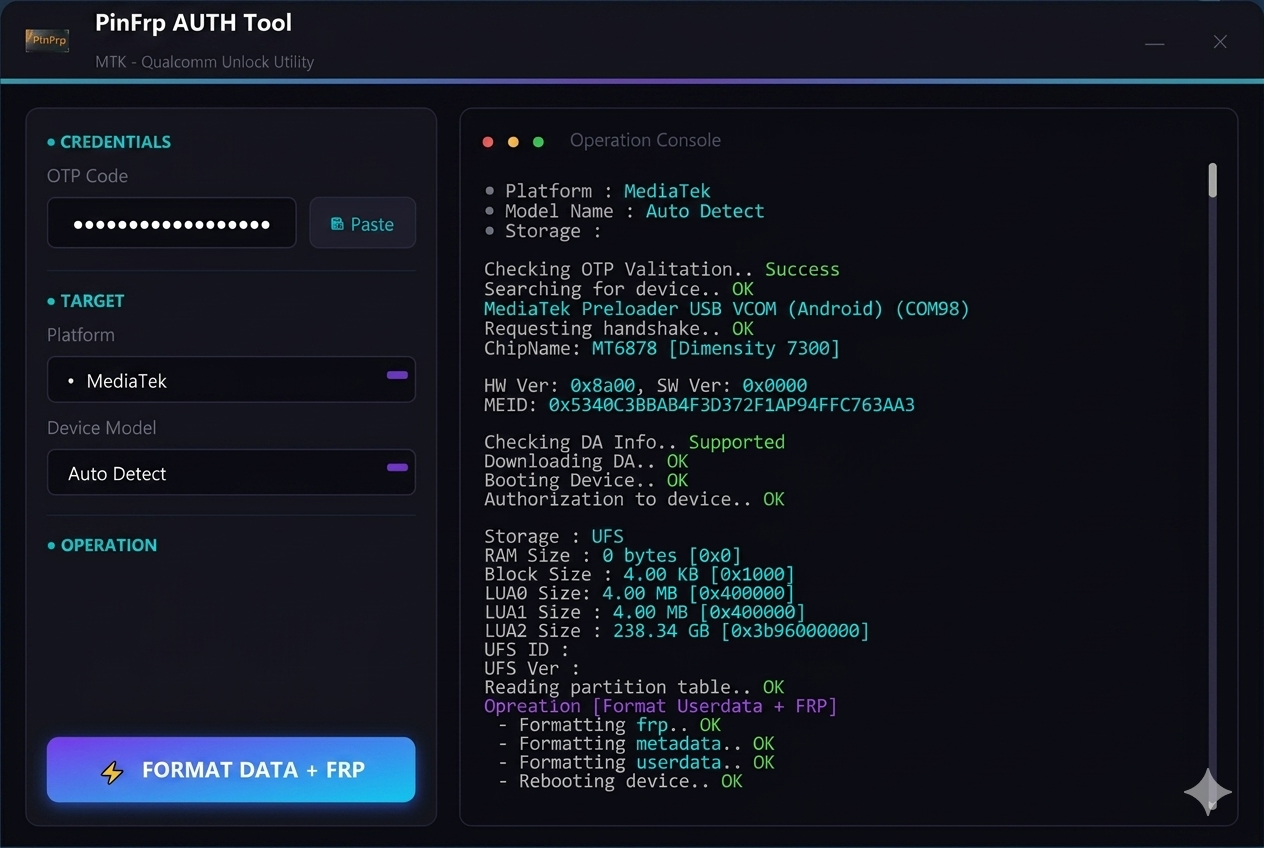
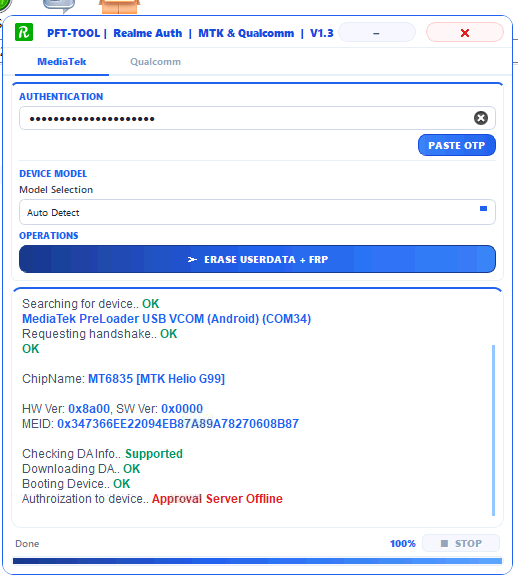
OTP System: No need to log in repeatedly with a username and password. Simply purchase an OTP, open the tool, paste the OTP, and you are ready to go!
For Qualcomm CPUs: If your mobile has a Qualcomm processor, you need to select the exact Model Number in the tool
For MediaTek (MTK) CPUs: If your mobile has a MediaTek processor, you don't need to select anything manually. Keep it on Auto
For MediaTek (MTK) CPUs: If your mobile has a MediaTek processor, you don't need to select anything manually. Keep it on Auto
DA File (If any error occurs): The automatic mode works smoothly in most cases, but if you face any error during the process, select the appropriate DA (Download Agent) file manually.
⚙️ Step-by-Step Guide to Bypass FRP:
1.Open the tool and log in using your purchased OTP
2.Select the model based on your phone's processor (Keep Auto for MTK and select the exact model for Qualcomm).
3.Click on the "Format User Data + FRP" option at the bottom of the tool.
4.Connect your mobile phone to the computer by pressing and holding both the Volume Up (+) and Volume Down (-) buttons together.
5.Wait for the process to complete, and your job is done successfully!